Time Blocking That Survives an ADHD Brain
You know time blocking works. You also know you're not going to spend 20 minutes every morning arranging tasks on a grid. AI Calendar Buddy does the arranging — you just do the work.
Why most calendar apps don't stick for ADHD
Almost every productivity tool on the market assumes you'll sit down each morning, look at a long list of tasks, and thoughtfully drag each one into a time slot. For an ADHD brain, that ritual is exactly the wall you crash into — too many decisions, too much friction, and the day is half-gone before anything moves.
- Time blocking is repeatedly recommended for ADHD — and it works — but the manual setup is the part that doesn't get done.
- Open-ended task lists (no times attached) become a wall of anxiety where everything feels equally undone.
- Apps designed for neurotypical "intentional planners" assume the planning ritual is a feature, not a barrier.
- Switching apps to make a plan, then back to do the work, fragments attention before the first focus block starts.
A Day in the Life
How AI Calendar Buddy fits your work
Step 1
Dump your tasks in plain English
Open the app and type or dictate: "3 hours on the launch deck, 45 min for the dentist follow-up call, an hour of email triage, two 90-minute deep-work blocks for the report." Apple Intelligence turns that into tickets — sized, ready to schedule. No forms, no fields, no friction.
Step 2
Tap once, get a plan
Tap Schedule. AI Calendar Buddy reads your real calendar through EventKit — meetings, school pickup, that 1pm appointment you forgot you put on iCloud — and places your tasks around them. Priority-aware, deadline-aware, working-hours-aware. The plan appears on your week in seconds.
Step 3
Just follow the day
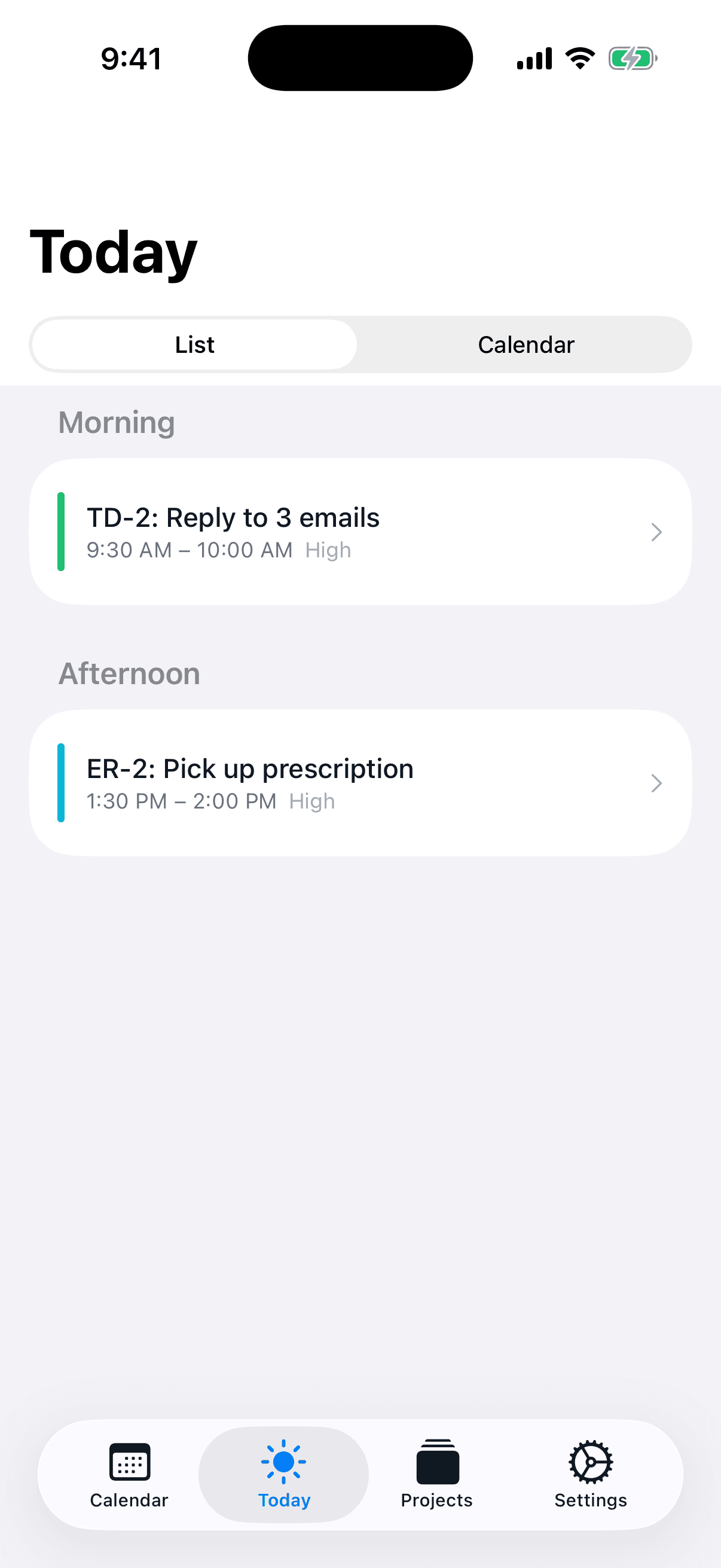
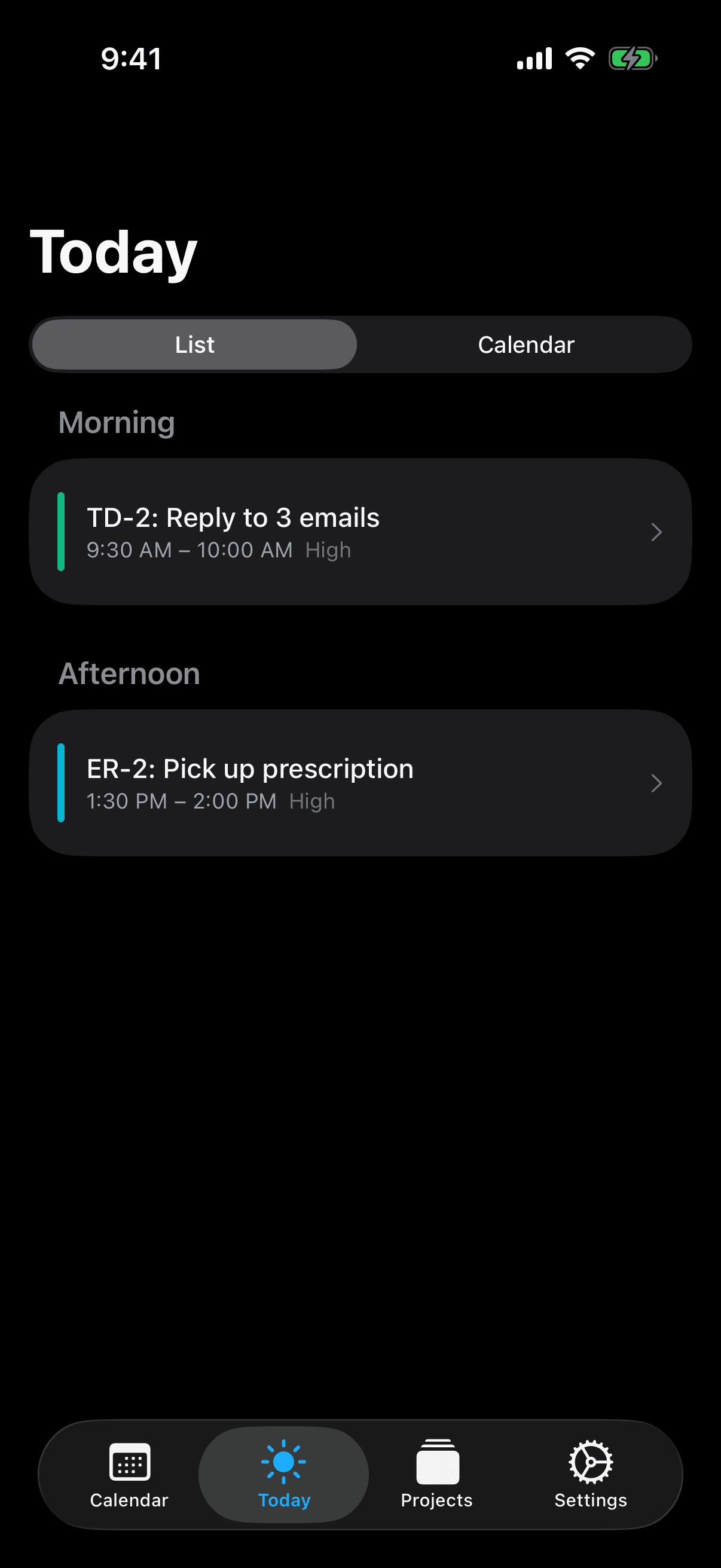
Your iPhone, iPad, and Mac show the same plan. Today Focus view tells you exactly what's next, with no decision required. When something inevitably blows up the morning, hit Schedule again — the AI re-plans around the chaos.
Step 4
Unfinished? Auto-rollover
End the day with three things untouched? They roll forward to tomorrow automatically — no shame screen, no decision about "will I really do this?" When you re-schedule, they slot back in where they fit best.
Features That Matter
The features built for adhd
One-tap scheduling
The whole point. You don't plan the week. You schedule the week. Apple Intelligence does the work in the time it takes you to put down the phone.
Natural-language task entry
Describe what you need in any phrasing, including durations like "a couple of 90-minute focus blocks." The AI creates correctly-sized tickets without you touching a form.
Hour-based estimates that handle reality
Tasks size from 15 minutes to 40 hours, and partial progress is honored. Did one hour of a four-hour project before getting pulled into a meeting? Only the remaining three are reblocked.
Today Focus view
No more staring at the whole week. Today Focus shows only what's now and next, in a clean list with the calendar context underneath. Especially useful for medication windows and post-meeting recovery time.
Working hours that protect rest
Hard boundaries that the AI cannot cross. Weekends free unless you say otherwise. Blocked dates for appointments, recovery days, hyperfocus crash days — the AI honors them all.
Private by default
Your tasks include therapy, ADHD coaching, medical appointments, and personal projects. None of that gets sent to a third-party AI provider or sits on a CamSoftware server. AI Calendar Buddy runs on-device.
Auto-rollover for unfinished tasks
Anything left at end-of-day rolls forward without ceremony. No guilt screen, no "are you sure?" prompt — just tomorrow with the same items still in front of you.
Lock Screen and Home Screen widgets
What's next is always one glance away on Lock Screen or Home Screen. No need to open the app and risk getting lost in re-planning.
Re-schedule whenever the day breaks
Plans fall apart. Rather than manually shuffling everything, tap Schedule again and the AI rebuilds around what's actually left of your day.
FAQ
Questions adhd ask
Is this really designed for ADHD, or is it just marketing?+
The team built AI Calendar Buddy in part because manual time blocking — the kind every productivity book recommends — never stuck for us. Every feature on this page exists to remove a specific friction point: decision fatigue at the start of the day, the planning ritual itself, end-of-day unfinished-task guilt, and the need to re-plan when the day inevitably breaks.
Can I trust an AI calendar with personal information like therapy or medical appointments?+
Yes. AI Calendar Buddy runs all AI on-device via Apple Intelligence. Your therapy, medical, and personal appointments — read live from your Apple Calendar through EventKit — are never sent to a third-party AI provider and never reach a CamSoftware server (we don't operate one). Sync uses your private iCloud database, encrypted by Apple.
What if I have a hyperfocus day and don't want to be interrupted?+
Blocked dates and working-hour overrides let you reserve full days or partial days. The AI cannot schedule across them. If you crash after a hyperfocus session, mark the next day a blocked recovery day and unfinished tasks will simply roll into the day after.
Will the AI judge how I work?+
It only knows what your calendar and tasks tell it: priority, deadline, duration. It doesn't grade you, doesn't surface "productivity scores," and doesn't share data with anyone. Missed task? Rolls to tomorrow without comment.
I've tried Sunsama / Motion / Reclaim — how is this different?+
Sunsama is a manual planning ritual by design. Motion and Reclaim are powerful but cloud-based and built for teams. AI Calendar Buddy is solo-first, automation-first, and Apple-native — and free during beta. See the full comparisons on /vs/sunsama, /vs/motion, and /vs/reclaim-ai.
What about medication reminders and routines?+
AI Calendar Buddy isn't a medication tracker, but you can add medication windows or routine blocks as recurring entries in Apple Calendar, and the AI will plan around them. Many users pair AI Calendar Buddy with a dedicated meds app.
Does it work on my watch?+
An Apple Watch app is in development and planned for after launch. In the meantime, Lock Screen and Home Screen widgets put what's next one glance away on iPhone — covering the ADHD-friendly "don't make me open the app" use case.