AI Calendar Buddy vs Fantastical: AI Scheduling vs Calendar Viewing
Fantastical is the gold standard for viewing your calendar on Apple devices. AI Calendar Buddy is what you reach for when you want the calendar to schedule itself.
TL;DR
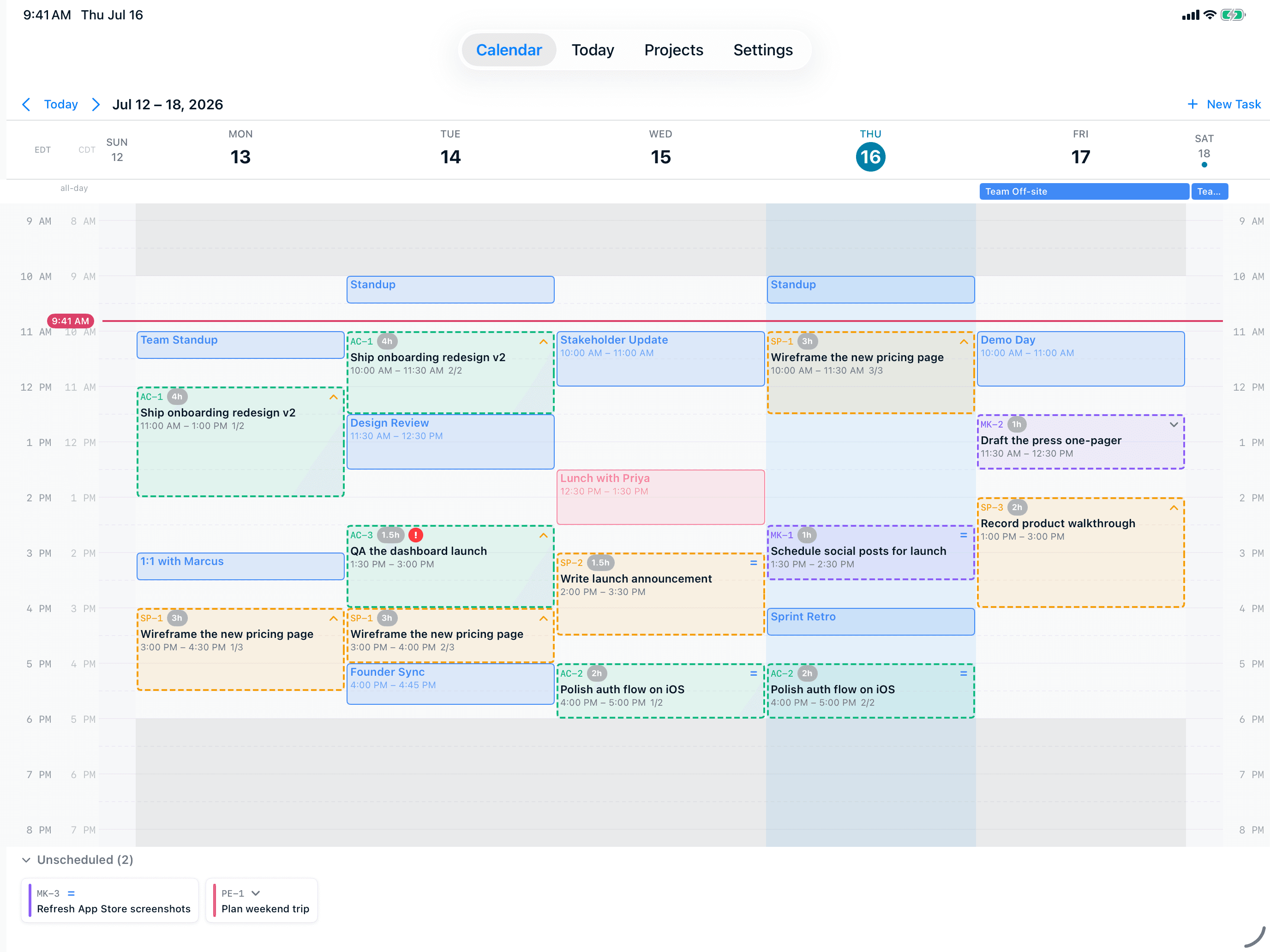
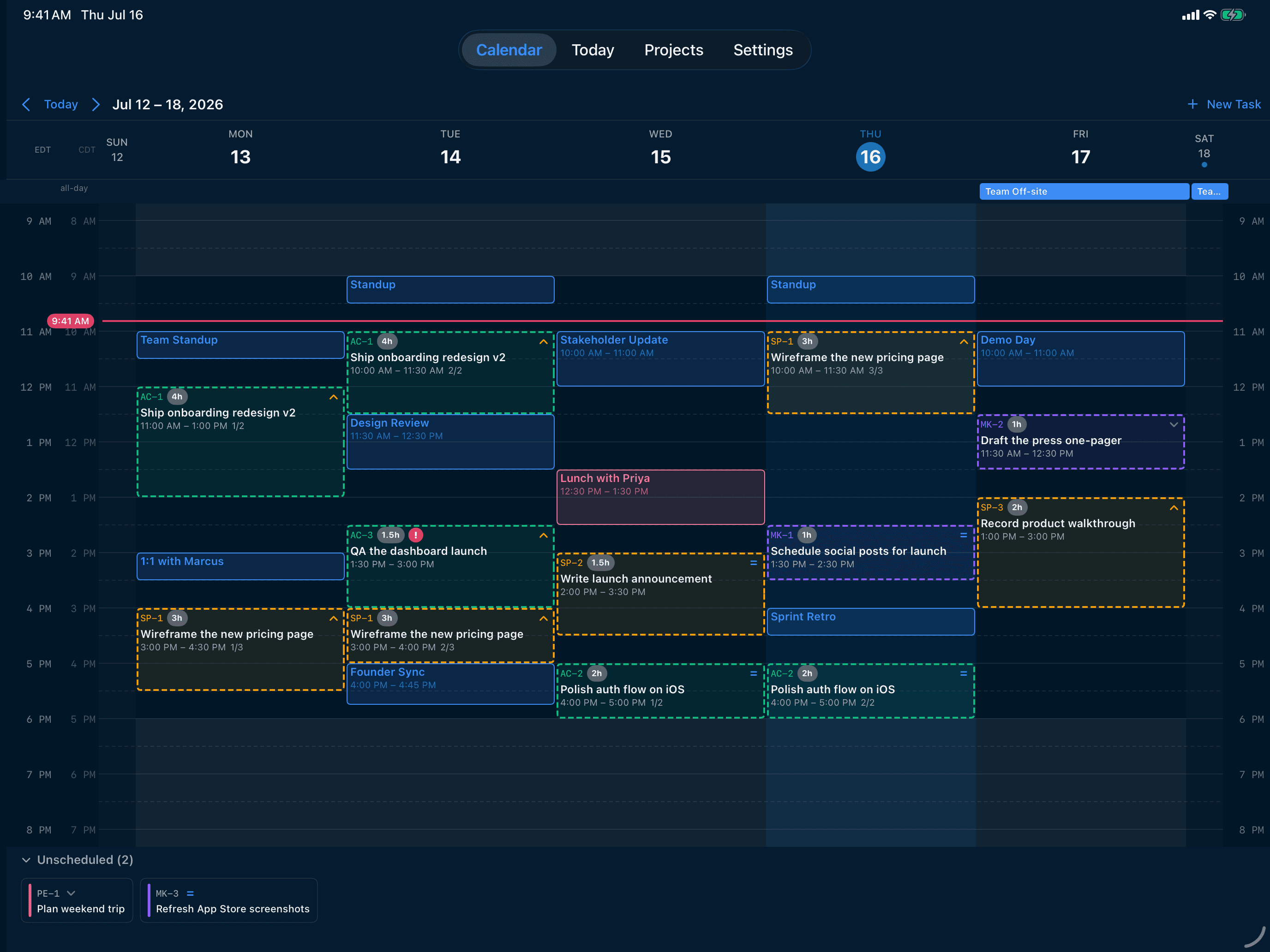
Fantastical is excellent at what it does — viewing and editing events across every calendar on your Apple devices, with delightful natural-language event creation. It does not, however, auto-schedule tasks. AI Calendar Buddy is built around AI scheduling: hand it a list of tasks with priorities and deadlines, and Apple Intelligence places them into the open time on your real calendar. They solve different problems and can live side by side.
AI Calendar Buddy vs Fantastical
Fantastical is Flexibits' best-in-class Apple-native calendar app. It's a beautiful viewer and event editor with natural-language parsing, but it doesn't auto-schedule tasks using AI.
Visit Fantastical’s sitePricing and feature claims about Fantastical were verified on May 2026. Third-party products change frequently — check Fantastical’s site for the most current information. Spotted something out of date? Email aicbsupport@aicalendarbuddy.com and we’ll fix it.
| AI Calendar Buddy | Fantastical | |
|---|---|---|
| Primary purpose | AI auto-schedules tasks into your real calendar | View and edit calendar events beautifully |
| AI auto-scheduling | Yes — on-device via Apple Intelligence | Not an AI scheduler |
| Apple Intelligence usage | Core to scheduling and natural-language task entry | Limited to system-level Siri features |
| Apple Calendar / Google / Outlook | All via EventKit | All via EventKit and direct integrations |
| Calendar viewing polish | Functional weekly grid, drag-and-drop, dual timezone | Industry-leading calendar UX, multiple views, weather, etc. |
| Natural-language event creation | Yes — for tasks, via Apple Intelligence | Yes — for events, via parser (best in class) |
| Task management | Built-in tasks, projects, priorities, hour estimates | Reminders integration; not a task manager |
| Privacy posture | On-device AI, private iCloud only — no CamSoftware server | Flexibits cloud for some features; reputable |
| Pricing | Free during beta | Subscription required for full features |
Where We Differ
What you get with AI Calendar Buddy
It schedules for you
Fantastical is a viewer. You still decide when to do every task by hand. AI Calendar Buddy reads the same calendar through EventKit and then uses Apple Intelligence to place your tasks into the right open blocks — respecting priorities, deadlines, working hours, and existing meetings.
Built around tasks, not just events
AI Calendar Buddy has first-class tasks: projects, 5 priority levels, 9 issue types, hour-based estimates, dependencies, and auto-rollover. Fantastical hooks into Reminders but doesn't manage tasks as its core model.
Apple Intelligence is the engine
Apple Intelligence powers both natural-language task entry and the scheduling decisions themselves — all on-device. Fantastical's intelligence is its parser, which is brilliant but not predictive.
Different price model
AI Calendar Buddy is free during beta. Fantastical requires an ongoing Flexibits subscription for its full feature set.
When Fantastical is the better choice
We’re biased, but we’ll be honest. Fantastical is a better fit if any of these apply:
- You want the absolute best calendar viewing experience and don't care about AI auto-scheduling.
- You prefer to plan your day manually with the help of a delightful natural-language parser.
- You want a mature product with years of polish — Fantastical is one of the most refined Mac apps shipping today.
- You're already deeply invested in Fantastical's templates, openings, and proposals features.
FAQ
Common questions
Does Fantastical have AI scheduling?+
No. Fantastical is a calendar viewer and editor with a powerful natural-language parser for creating events. It does not auto-schedule tasks based on priorities and deadlines. AI Calendar Buddy is built around that auto-scheduling.
Can I use both apps together?+
Yes. They both read the same calendars through EventKit, so a task scheduled into your calendar by AI Calendar Buddy shows up in Fantastical (and vice versa). Many users will keep Fantastical for daily viewing and use AI Calendar Buddy when planning.
Is AI Calendar Buddy as polished as Fantastical?+
Fantastical has years of design refinement and the broader calendar feature surface. AI Calendar Buddy is newer and focused — its strength is scheduling intelligence, not replicating every Fantastical view. Both can coexist on the same Mac.
Does Fantastical run AI on-device?+
Fantastical's natural-language parser runs on-device, but it isn't an AI scheduler — it doesn't decide when to do your tasks. AI Calendar Buddy uses Apple Intelligence on-device for both natural-language task entry and the scheduling decisions themselves.
Which is cheaper?+
AI Calendar Buddy is free during beta. Fantastical requires a Flexibits subscription for its full feature set across devices.
What about privacy?+
Both are Apple-native and respectful. AI Calendar Buddy goes further by running all AI on-device and using only your private iCloud (CloudKit) for sync — CamSoftware operates no servers.
Compare other options
See how AI Calendar Buddy stacks up against more tools.