AI Scheduling for Google Calendar
AI Calendar Buddy reads your Google Calendar through Apple's EventKit — no OAuth dance, no API keys, no cloud middleman. AI runs on your device.
Connection method
Through Apple's EventKit — once Google is added to your Apple Calendar, AI Calendar Buddy sees it.
OAuth required
No. Google authorization is handled by iOS/macOS at the system level, not by AI Calendar Buddy.
AI Processing
All scheduling runs on-device via Apple Intelligence. Google events are never sent to a third-party AI model.
Data storage
Google events read live from EventKit. AI Calendar Buddy's own tasks live in your private iCloud (CloudKit), not Google's cloud.
Platforms
iPhone (iOS 26+), iPad (iPadOS 26+), Mac (macOS 26+).
Setup time
Under a minute. If Google is already in your Apple Calendar, no extra steps required.
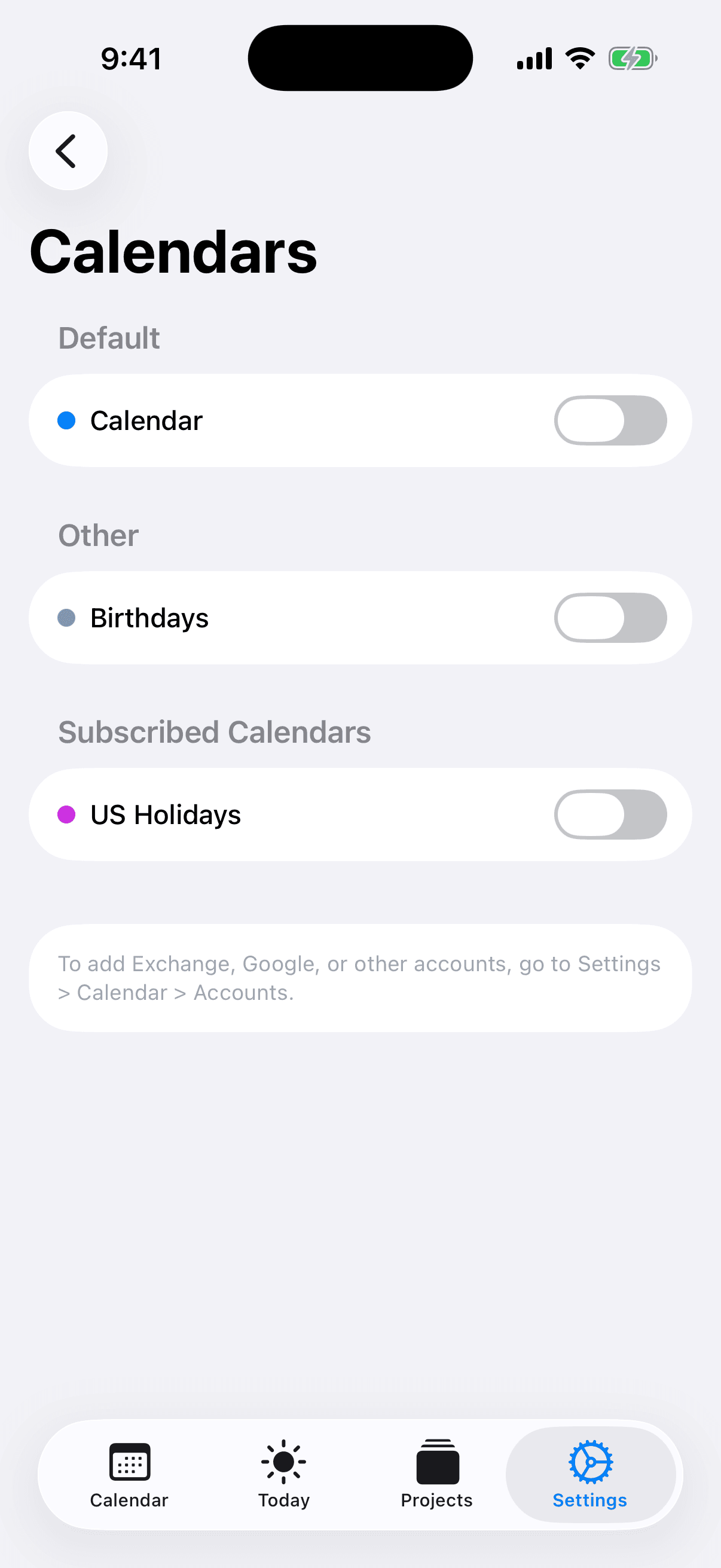
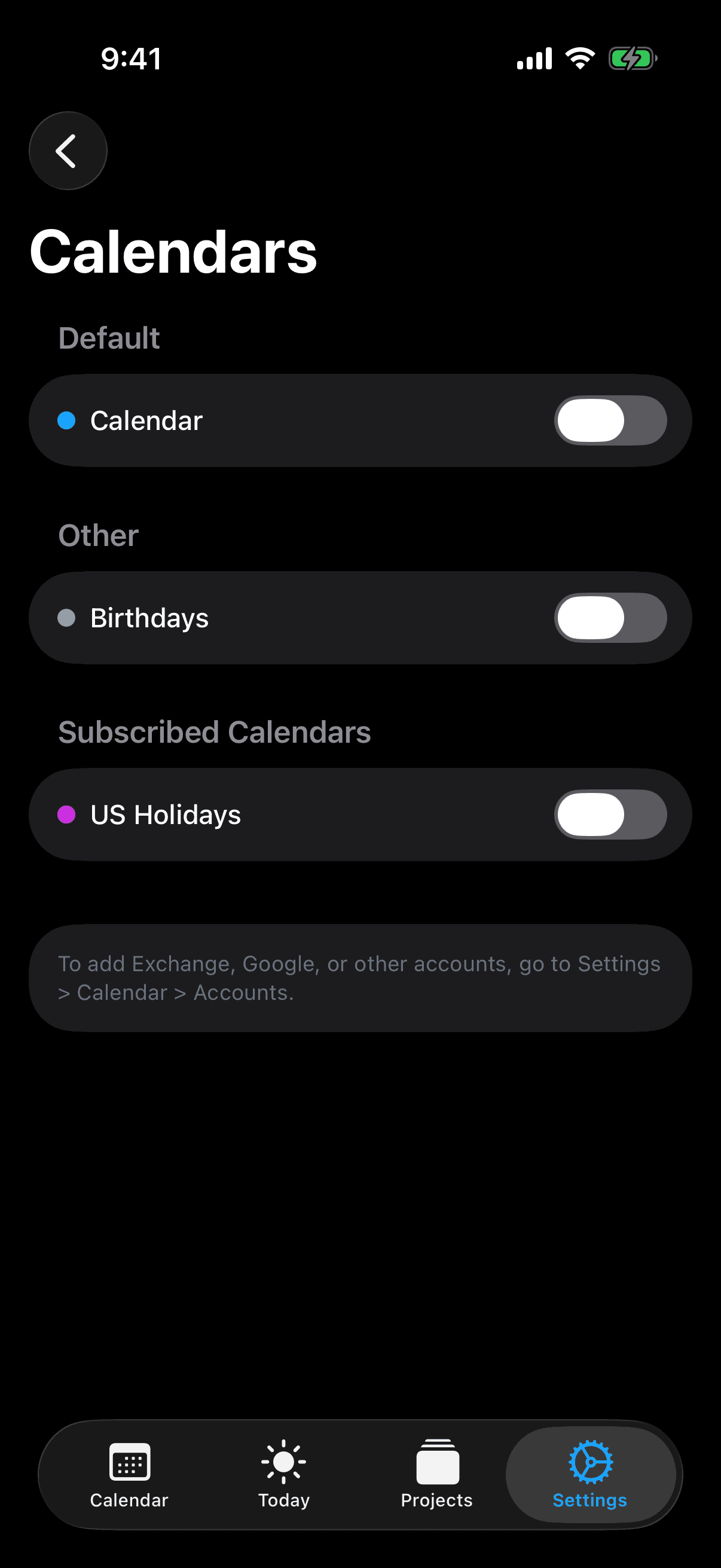
How AI Calendar Buddy reads Google Calendar
AI Calendar Buddy doesn't connect to Google directly. Instead, it reads your Google Calendar through Apple's EventKit framework — the same system API that powers Apple's own Calendar app. As long as Google Calendar is added to your iCloud Settings (Settings → Calendar → Accounts on iPhone/iPad, or System Settings → Internet Accounts on Mac), AI Calendar Buddy will see your Google events automatically. This approach has a few important consequences:
- No separate Google OAuth flow inside AI Calendar Buddy
- No CamSoftware-owned API keys or service accounts holding your Google data
- Google's authorization is handled at the OS level by Apple — and revocable from Apple's Internet Accounts settings
- Multiple Google accounts work automatically if you've added them to your device
Google events stay out of third-party AI clouds
Most AI calendar apps that work with Google — Motion, Reclaim.ai, Sunsama — store a copy of your Google data in their own cloud and process scheduling decisions there, often by sending parts of your schedule to third-party AI providers like OpenAI or Anthropic. AI Calendar Buddy is different. It reads your Google events live through EventKit and feeds them to Apple Intelligence on-device. Your Google event titles, attendees, and times never reach a CamSoftware server (we don't operate one) and never reach a third-party AI provider.
What the AI does with your Google events
Apple Intelligence treats your Google events as immovable obstacles and finds optimal placement for your unscheduled tasks around them. Working hours, blocked dates, and priorities are all honored. When a Google meeting moves, the AI re-optimizes within seconds — on your device, with no round-trip to a server.
- Existing Google events are treated as immutable — the AI plans around them
- Combine Google with iCloud and Outlook in the same view
- Toggle Google calendars on/off for scheduling decisions
- Manual drag-and-drop overrides any AI suggestion
What AI Calendar Buddy doesn't do with Google
We want to be explicit about the limits of this integration so you can decide if it fits your workflow.
- AI Calendar Buddy does not currently write tasks as Google Calendar events. Scheduled tasks live in AI Calendar Buddy's own store and on your Apple Calendar.
- It does not provide Google-style meeting booking links (Calendly-style availability sharing).
- It does not access Gmail, Google Tasks, or Google Drive — only calendars surfaced through EventKit.
- Google Workspace admin policies that block iOS/macOS calendar sync at the device level will also block AI Calendar Buddy.
Setup
If your Google account is already added to your iPhone, iPad, or Mac for calendar sync, you're done after granting calendar permission to AI Calendar Buddy. If it isn't, add it through your device's Settings first.
- iOS / iPadOS: Settings → Calendar → Accounts → Add Account → Google
- macOS: System Settings → Internet Accounts → Google
- Launch AI Calendar Buddy and grant calendar permission when prompted
- Done — your Google calendars appear in AI Calendar Buddy immediately
FAQ
Common questions
Does AI Calendar Buddy support Google Calendar?+
Yes. AI Calendar Buddy reads Google Calendar through Apple's EventKit framework — there's no separate Google OAuth flow. As long as Google is added to your Apple Calendar accounts, AI Calendar Buddy will see your events.
Does AI Calendar Buddy send my Google events to its own server or to a third-party AI?+
No. CamSoftware operates no server. AI Calendar Buddy reads your Google events locally through EventKit and runs scheduling AI on-device via Apple Intelligence. Your data never reaches a third-party AI provider.
Does it work with multiple Google accounts?+
Yes. Any Google account added to your device's calendar accounts will appear in AI Calendar Buddy. You can toggle each calendar on or off for scheduling decisions.
Will AI Calendar Buddy create events in my Google Calendar?+
Today, scheduled tasks live in AI Calendar Buddy's own store and surface on your device's Apple Calendar. Direct creation of Google Calendar events is not currently supported.
Does it support Google Workspace?+
Yes, as long as your Workspace admin allows Google Calendar to sync to iOS/macOS at the device level. If your admin blocks that, the events won't appear in EventKit and AI Calendar Buddy can't see them.
Does Google get any data from AI Calendar Buddy?+
No. AI Calendar Buddy reads your Google events through Apple's EventKit framework. It does not send any new data back to Google.